Data destruction
Data Sanitization Standards Explained: Clear, Purge, Destroy
Most data destruction decisions in the UAE are made on instinct — "we wiped it" or "we drilled it" — rather than against a standard. NIST SP 800-88 is the standard almost everyone means without citing it.
Updated · 8 min read · Data Sentry IT Asset Recovery
What is the difference between clear, purge and destroy?
NIST SP 800-88 defines three levels. Clear overwrites user-addressable storage and suits devices staying in-house. Purge makes data infeasible to recover even in a laboratory and suits devices leaving your control but being reused. Destroy physically renders media unusable, and is correct for failed, encrypted or high-sensitivity media.
NIST Special Publication 800-88, Guidelines for Media Sanitization, is the reference document the industry actually works to. It is a US federal publication, so it is not UAE law — but UAE regulators, auditors and enterprise procurement teams routinely expect a destruction method to map to it, because there is no comparable local standard and it is the common language.
Its central contribution is simple and widely misunderstood: it separates sanitisation into three levels of assurance, and it makes clear that the correct level depends on the media type and on what happens to the device next.
The three levels
- Clear — Overwrite the user-addressable storage using standard read/write commands. Protects against recovery using ordinary software tools. Appropriate when a device stays inside your own organisation — reissued to another employee, redeployed to another department.
- Purge — Render data infeasible to recover even with laboratory techniques, using media-specific methods: cryptographic erase, block erase, or degaussing for magnetic media. Appropriate when a device leaves your control but is intended for reuse or resale.
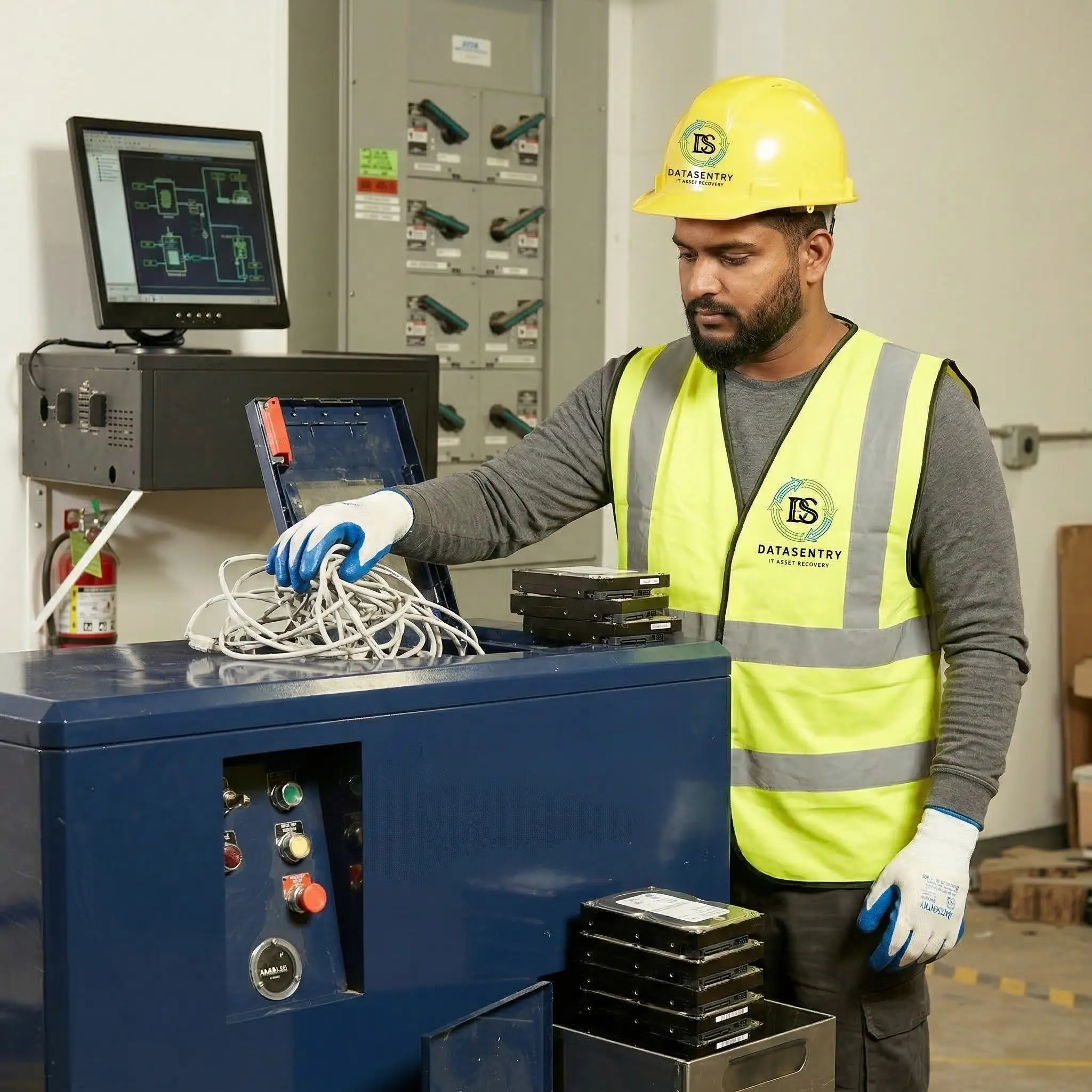
- Destroy — Physically render the media unusable — shredding, disintegration, incineration. Appropriate for failed media, media you cannot verify, and anything holding data whose exposure would be unacceptable regardless of probability.
Why SSDs are not hard drives, and why it matters
This is the most consequential technical point in the whole subject, and it is routinely got wrong in the UAE market by providers who apply one process to everything.
A traditional spinning hard drive has a fixed, addressable relationship between a logical block and a physical location. Overwrite the logical block and you have overwritten the physical data. That is why multi-pass overwriting works on magnetic disks.
Flash storage does not behave that way. SSDs use wear levelling, over-provisioning and remapping, which means the controller deliberately writes to different physical cells than the ones the operating system thinks it is addressing. Overwrite an SSD the way you would a hard drive and you can leave the original data intact in cells the overwrite never reached, in over-provisioned space the host cannot address at all.
The correct approaches for flash are cryptographic erase — destroying the internal encryption key so the ciphertext becomes meaningless — or a manufacturer block erase command, or physical destruction. Degaussing an SSD does nothing whatsoever, because there is no magnetic domain to disturb. A provider who offers to degauss your SSDs is telling you something important about their competence.
| Media | Appropriate methods | Does not work |
|---|---|---|
| Magnetic hard drives (HDD) | Overwrite, degauss, shred | — |
| Solid state drives (SSD/NVMe) | Cryptographic erase, block erase, shred | Degaussing; naive overwriting |
| Backup tape (LTO etc.) | Degauss, shred | Overwriting alone |
| Optical media (CD/DVD) | Shred, disintegrate | Overwriting; degaussing |
| Mobile devices & tablets | Cryptographic erase, factory reset with verification, shred | Assuming a reset is sufficient without verification |
| Embedded storage (printers, NVRs, medical) | Remove drive then treat per type, or destroy | Ignoring it because it "is not an IT asset" |
Verification is the part that turns a method into evidence
NIST is explicit that sanitisation must be verified, and this is where most real-world processes fall down. A wipe that reports success but was never checked is an assertion, not evidence. Verification means confirming, per device, that the method completed and the media is in the state claimed.
That is also what makes serial-level certification possible. If verification happens per device, the certificate can name the device. If verification happens per batch, the certificate can only describe a batch — and a batch-level certificate does not answer the question a PDPL, DIFC or ADGM auditor will actually ask.
- Per-device verification — Each drive is checked after sanitisation and its result recorded against its serial number.
- Exception handling — Drives that fail verification are escalated to physical destruction rather than quietly passed. Failed media is the single most common source of leaked data.
- Witnessed destruction — For regulated clients, having your own compliance officer observe destruction converts a supplier assurance into a first-hand one.
Choosing between wiping and shredding
There is a genuine commercial trade-off here and it is worth stating plainly, because providers rarely do.
Verified erasure preserves the drive, which preserves value. On a fleet of modern enterprise SSDs that difference is substantial, and the recovery can meaningfully offset the cost of a refresh. Shredding destroys that value entirely.
Shredding, in exchange, gives you the simplest possible evidential position. There is no residual argument about whether an erase truly succeeded, because the media no longer exists. For classified material, failed drives, encrypted media you cannot verify, or anything where the consequence of exposure is unacceptable, that certainty is worth more than the resale value.
The right answer is usually a split decision made per media type rather than a single policy applied to everything — and it should be made before the collection, not at the yard.
What to ask a provider
- 1 Which NIST level are you applying to each media type in my load — Clear, Purge or Destroy?
- 2 How do you handle SSDs differently from spinning disks?
- 3 Is sanitisation verified per device, and does the certificate name each serial number?
- 4 What happens to a drive that fails verification?
- 5 Can our own staff witness the destruction, on our premises?
- 6 How long do you retain records, and can you re-issue a certificate in three years?